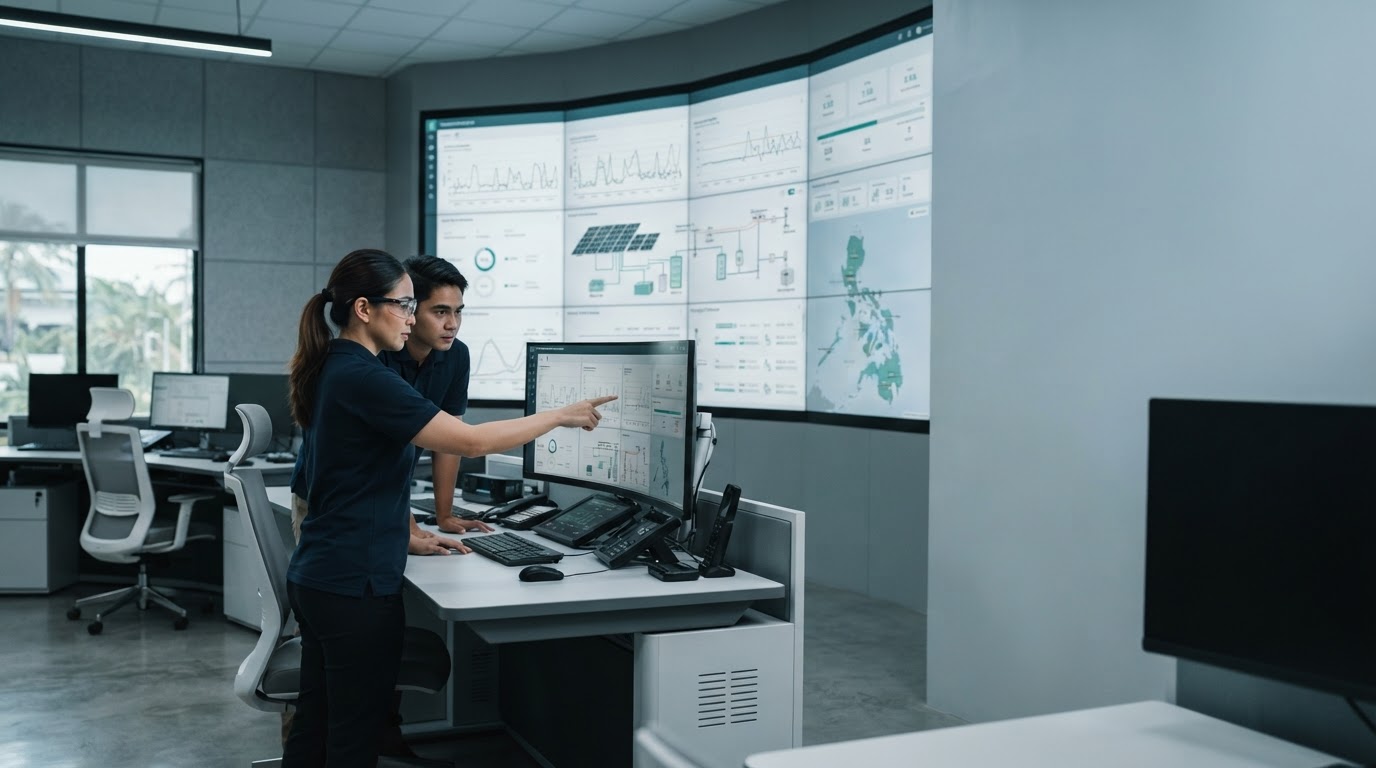
Everything you need to run your operations from one place
Vestenurance brings monitoring, reporting, and collaboration into a single, consistent workspace so your team spends less time switching tools and more time acting on what matters.
Built around the way teams actually work
Each feature is designed to reduce manual work, keep information consistent across teams, and make status visible without extra meetings.
Live Status Tracking
Keep a continuous view of the metrics that matter, updated as new data comes in, so nothing depends on someone remembering to check manually.
Rule-Based Workflows
Define conditions once and let repeatable tasks — alerts, assignments, status changes — run on their own in the background.
Structured Reports
Generate consistent, shareable summaries from the same underlying data your team already trusts, without rebuilding spreadsheets.
Shared Workspaces
Give every team member the same view of a project's status, comments, and history, reducing the need for status-update messages.
Role-Based Permissions
Control who can view, edit, or approve items at each stage, so sensitive information and critical actions stay properly scoped.
Connected Data Sources
Bring information in from the tools you already use instead of asking your team to maintain the same data in multiple places.

A single workspace instead of scattered tools
Most teams don't lack tools — they lack a shared, up-to-date view of what's happening. Vestenurance pulls the pieces together so decisions are based on the same information, at the same time, for everyone involved.
- 01 Set up a workspace and invite the people who need visibility.
- 02 Connect the data sources and workflows already in use.
- 03 Configure alerts and reports around the metrics that matter.
- 04 Review activity and outcomes from a single dashboard.
Designed for clarity, not clutter
The dashboard is organized so teams can find status, exceptions, and history without digging through separate screens.
These categories reflect how the workspace is structured, not fixed guarantees — actual behavior depends on your configuration and connected data sources.
Feature sets by team focus
Different teams lean on different parts of Vestenurance. Here's how the same platform adapts to each.
Operations Teams
Track live status across processes, get notified when something falls outside expected ranges, and assign follow-up actions directly from the same view — reducing the gap between noticing an issue and resolving it.
Reporting & Analysis
Build structured, repeatable reports from the same source data used across the platform, so summaries stay consistent whether they're generated weekly, monthly, or on demand for a specific review.
Cross-Team Collaboration
Share a single workspace across departments with permission levels that match each role, keeping comments, history, and decisions in one traceable place instead of scattered threads.
Feature-specific questions
Can I turn off features my team doesn't need?
Yes. Workspaces are configurable, so teams can enable only the modules relevant to their workflow and adjust as needs change.
How does permission control work across teams?
Access is assigned by role, allowing administrators to define what each group can view, edit, or approve within a shared workspace.
Do reports update automatically as data changes?
Reports draw from the same live data used elsewhere in the platform, so they reflect current information at the time they're generated.
Can existing tools be connected instead of replaced?
Vestenurance is built to connect with data sources you already use, so adoption doesn't require abandoning existing systems outright.